

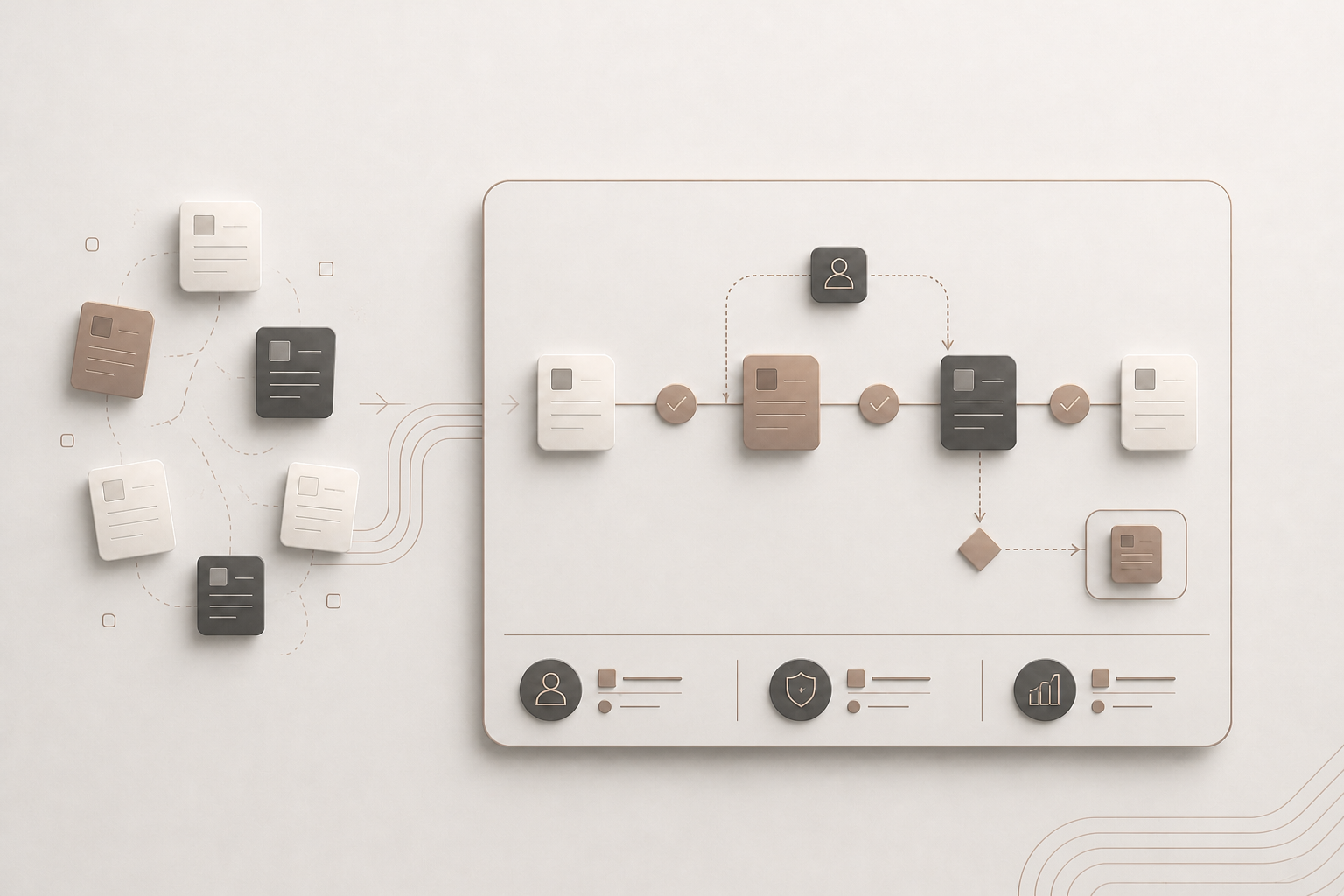
Repetitive administration often builds up between systems and teams. Information is entered twice, requests wait in inboxes, and colleagues spend time finding out who needs to act next. Recovering those hours matters, but time alone gives an incomplete picture of the opportunity.
Well-designed automation can also improve accuracy, accountability and operational visibility. Veyal connects people, systems and data through business process automation, with clear responsibilities and controls. The starting point is understanding how work should move through your organisation before deciding which steps to automate.
Key Takeaways: Business Process Automation Benefits
- Improve the underlying process before automating it, so unnecessary steps and unclear ownership do not become embedded in software.
- Connected workflows can reduce repeated data entry and manual chasing, giving your team more capacity for work requiring judgement.
- Defined approval routes, escalation rules and named owners can reduce delays while keeping decisions with the appropriate people.
- Validation, exception handling and audit trails can improve consistency, provided your team maintains the rules and reviews failures.
- Veyal combines process understanding with practical automation, helping your team evaluate operational benefits against an agreed baseline and clear measures.
1. Improve the Process Before Automating It
Process improvement gives automation a sound foundation by removing unnecessary steps and clarifying who owns each decision. Otherwise, software can reproduce the same delays and inconsistencies with less visibility into why they happen.
Map the trigger, participants, systems, handoffs and exceptions. Ask which information is needed, which approvals serve a clear purpose and where work waits. Simplify the sequence before selecting technology.
Veyal's process automation approach includes identifying bottlenecks, connecting systems and keeping operational controls visible. Agreeing those requirements first helps your team define a manageable scope.
Business impact: fewer unnecessary steps, clearer responsibilities and a more defensible automation investment.
2. Reduce Repetitive Administration
Automation can reduce administration by moving approved information between systems and coordinating routine actions. Your team spends less time copying records, requesting updates or checking whether the next task has started.
For example, an illustrative onboarding workflow could use an approved employee record to initiate actions for HR, IT, payroll and the hiring manager. Missing information would be flagged for review rather than passed through unchecked.
Veyal's systems integration capability connects operational applications and data. That connection still needs agreed data mappings, access controls and ownership when a transfer fails.
Business impact: less duplicated administration, fewer opportunities for transcription errors and more capacity for judgement-based work.
3. Shorten Approval Delays
Defined routing and escalation rules can shorten approval delays by making the next decision and its owner explicit. Requests need a visible status rather than depending on someone noticing an email.
Agree who can approve each request, which conditions require additional review and what should happen when the usual approver is unavailable. Set escalation rules that reflect operational priorities rather than generating unnecessary reminders.
Employee workflow automation can coordinate requests, approvals and completion tracking. The decision remains with the responsible person; the workflow helps the request reach them with the information they need.
Business impact: clearer accountability, less chasing and fewer requests left waiting without an owner.
4. Improve Accuracy and Operational Control
Validation rules, visible exceptions and audit trails can make a process more consistent. They help your team identify incomplete inputs, review unusual cases and understand how a record reached its current state.
Define what must be checked before work progresses. An invoice with missing supporting information, for example, should enter a review queue with a named owner. A workflow needs an agreed response to failures as well as a route for standard cases.
The same principle applies to customer communications: approved data, document production and delivery need to remain connected. Automation does not remove responsibility for maintaining rules or checking outputs.
Business impact: more consistent information, visible exception handling and a clearer record of operational decisions.
5. Create Capacity Without Losing Oversight
Automating repeatable steps can help your team handle more work without increasing administration at the same rate. The benefit depends on choosing suitable tasks and retaining review where judgement, sensitivity or uncertainty requires it.
Veyal assesses back-office workflows such as payroll input preparation, internal approvals and supplier onboarding. These processes need defined controls before routine actions can be automated responsibly.
Start with a bounded process. Test normal cases, missing information and exceptions, then confirm who will monitor performance and maintain the workflow. A phased change lets your team evaluate the result before extending it.
Business impact: additional operating capacity with clear review points, rather than volume growth at the expense of oversight.
6. Measure the Operational Benefit
A baseline makes automation benefits testable. Record process completion time, manual interactions, error rates and rework before changing the workflow, then compare the same measures afterwards.
Separate time spent actively working from time spent waiting. Also distinguish capacity released from cash savings: fewer administrative hours do not automatically reduce expenditure. Consider implementation, maintenance and exception-handling effort when evaluating the result.
ASQ's continuous improvement guidance describes testing change on a small scale and using data to assess its effect. This provides a practical basis for deciding what to refine or extend.
Business impact: a grounded assessment of value, including where the expected improvement has not yet materialised.
FAQs About Business Process Automation Benefits
Which processes are suitable for automation?
Processes with repeatable steps, defined rules and reliable inputs are candidates for automation. Veyal helps connect operational workflows across people and systems. Assess the frequency, manual effort and exceptions before prioritising a process; high volume alone does not establish that automation is appropriate.
Does automation remove the need for human review?
Automation should retain human review wherever decisions require judgement or exceptions need investigation. Veyal's approach keeps approvals, exceptions and audit trails visible. Your team should define those controls before implementation and assign responsibility for responding when a workflow fails.
How should you start an automation project?
Start with a specific operational problem and a measured baseline. Veyal helps clarify the business priority, systems, responsibilities and measures of success. Map and simplify the process, agree the controls, then test a bounded change before deciding whether to extend it.
Assess Where Automation Could Help Your Business
A useful starting point is understanding how much effort repetitive work consumes and which processes warrant closer investigation. Veyal's Automation Opportunity Calculator estimates the time and operational cost tied up in that work and provides practical priorities.
The result is indicative, not a commitment to savings or a substitute for detailed process discovery. You receive a summary, with the option to request a more detailed review.
Take the assessment to explore your automation opportunity before deciding where to invest.